Head-to-head
Kalodata vs EchoTik: sales history or LIVE tools
You are down to Kalodata and EchoTik, and EchoTik's own comparison page says it wins. They differ on how much history you can see, which LIVE tools you get and what it costs to start.
The short answer
Pick Kalodata if you choose products by their long-term sales history; pick EchoTik if you want a free-forever plan, a low published price and LIVE monitoring.
| Tool | Job | Free trial | Best for | From |
|---|---|---|---|---|
| 1. Kalodata | Product research | 7 days, no card | deep sales history | Not listed |
| 5. EchoTik | Product research | Free plan with no end date | LIVE stream research | Free tier |
The split in one table
Both tools answer the first question a seller asks (what is selling right now) from public TikTok data. They differ on history depth, LIVE tooling and how you get in the door.
| What you compare | Kalodata | EchoTik |
|---|---|---|
| Free access | One-week trial, no card | Free plan, no end date |
| Plan prices | After sign-up | Public page |
| History | 1,000 days | Set by plan |
| LIVE data | Livestream section | Monthly monitors |
| Browser extension | None listed | Chrome overlay |
| Affiliate program | None found | None found |
Neither vendor runs an affiliate program we could find, so nothing on this page earns us money. Your next step is the free way in on the tool you lean toward: see Kalodata pricing and its trial, or compare EchoTik's four plans.
History decides most product bets
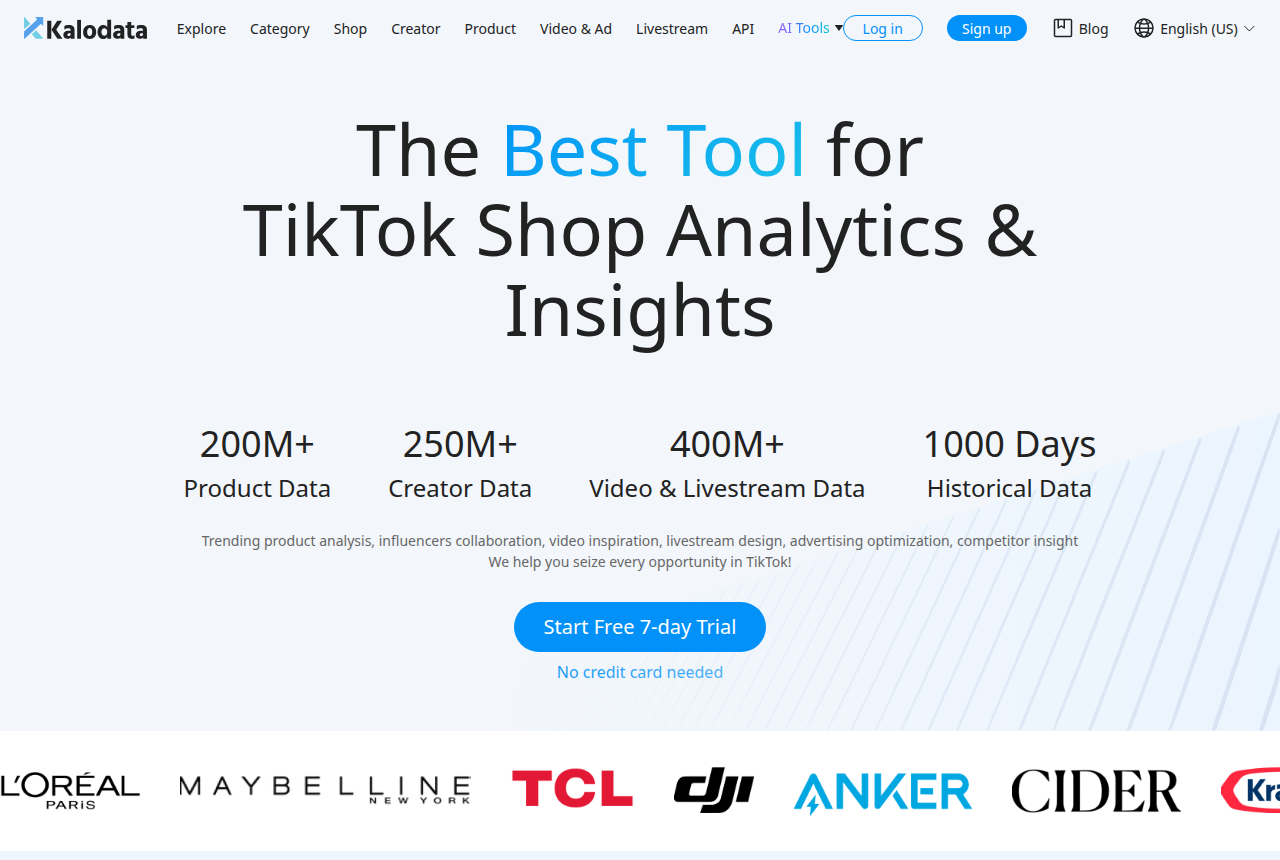
Kalodata's homepage counts 200M+ products with 1,000 days of data behind them. Two and a half years is enough to see whether a product sold through two holiday seasons or spiked once on a viral video, and that is the question a stock order rides on.
EchoTik limits history by plan. Basic shows the last 30 days, Pro shows the last 90, and unlimited history comes only with Enterprise. If you buy stock for a seasonal category (gifts, outdoor, back to school), budget for the top tier when you compare the two.
LIVE broadcasts and the browser overlay
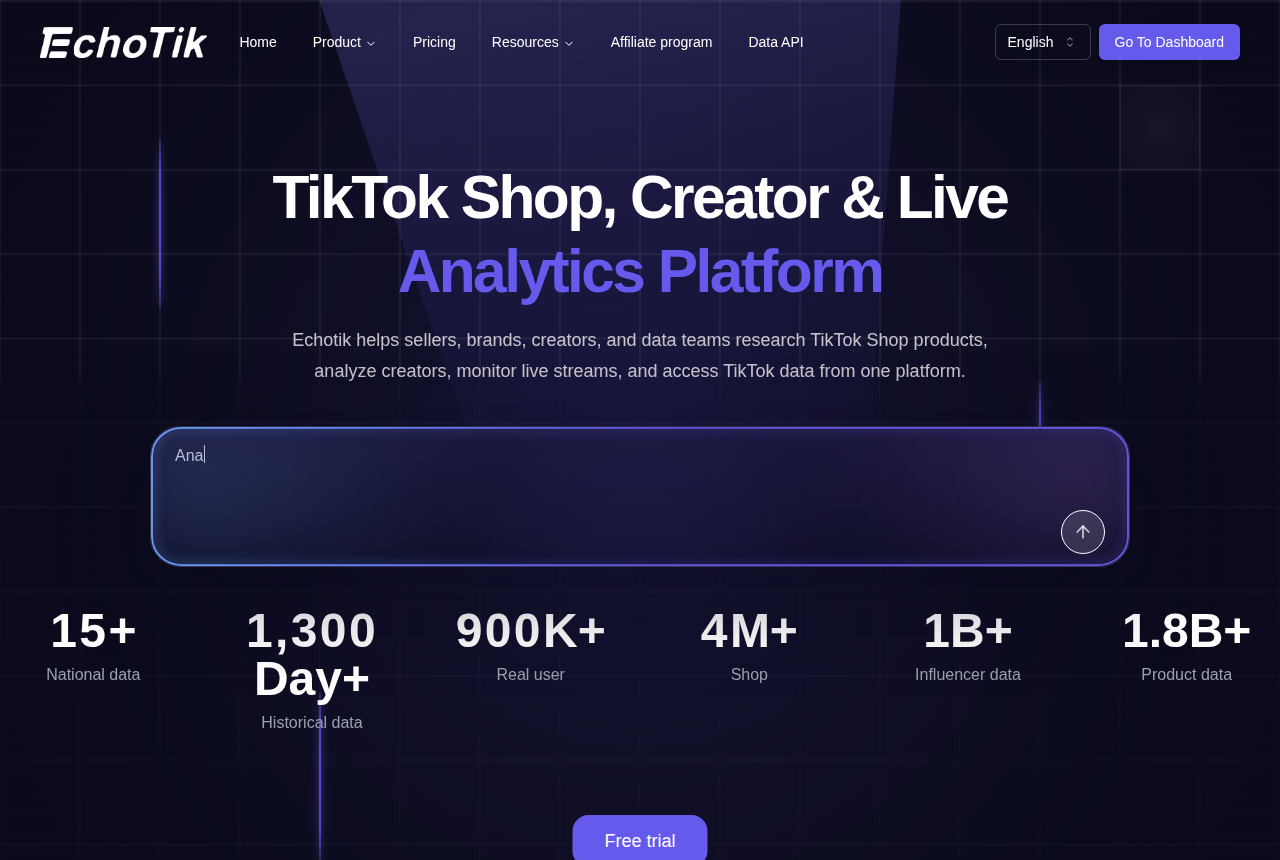
EchoTik treats LIVE as one of its four core jobs, and its homepage promotes screening broadcasts for high GMV. Pro includes 50 LIVE monitors a month and Enterprise 300. A shop that sells mainly through livestreams can choose its plan on that quota alone.
It also ships a Chrome extension that overlays its data while you browse, which its own comparison marks as missing from Kalodata. Kalodata does cover livestreams in a section of its menu, next to Category, Shop, Creator, Product, and Video and Ad, so it can tell you which broadcasts sold. What it lacks, by EchoTik's account, is the in-browser layer.
What each costs to start
EchoTik publishes every plan on its pricing page, from Free up to Enterprise, with a 7-day unconditional refund on selected paid plans. Its help center confirms the Free version stays free forever. You will find the plan table and its limits on our EchoTik pricing page.
Kalodata opens every account with its trial and shows plan prices once you sign up. EchoTik's guide quotes a starting price for Kalodata, but that is one vendor describing a rival, so we leave it out here.
On published prices EchoTik is the cheaper way in. A seller who needs a year or more of history should weigh Kalodata against EchoTik Enterprise, not against Basic.
One limit to plan around on Kalodata: recent Trustpilot reviewers say they could not find a cancel button on its site, and one reports charges after asking to cancel. If the trial does not win you over, cancel before it ends and keep the confirmation email.
Neither tool sees TikTok's sales ledger
Both estimate sales and GMV from what TikTok shows publicly. TokConnect's EchoTik review calls the figures estimates and suggests a test that works on either tool: look up a product whose real sales you know from your own Seller Center and compare the same 30 days.
Run that test on both tools in the same week, with three or four products you sell. Whichever tool ranks them in the order your Seller Center does is the one to pay for. EchoTik's guide lists an identical refresh interval for both tools, so update speed is unlikely to separate them.
Reading EchoTik's own comparison
Many sellers land on this choice through EchoTik's EchoTik vs Kalodata guide. Its EchoTik column matches the vendor's pricing page. Its Kalodata column is a competitor's summary, so use it as a list of things to confirm inside Kalodata's trial.
Who should pick which
A reseller choosing next season's stock, or a brand sizing a category before a factory order, should start with the Kalodata review. A seller who goes LIVE several times a week, or a creator watching every dollar, should start with the EchoTik review. If your real bottleneck is finding creators to contact, read Kalodata vs FastMoss before adding another research tool. The full field is ranked in our TikTok Shop tools roundup, and how we research explains what the rankings rest on.
My pick
For a seller picking one tool to choose products, I would start with Kalodata, because years of sales data are what stop a stock order from chasing a one-week spike. Move to EchoTik when broadcasts bring in most of your sales or when budget is the first constraint. EchoTik's Free plan costs nothing to keep open, so start the Kalodata trial alongside it and test both on your own products before paying for either.
Kalodata: what holds up and what does not
What works
- Covers products, shops, creators, videos, ads and livestreams in one account
- Homepage lists 1,000 days of historical data, long enough to see a product's seasonal pattern
- 7-day free trial with no card on the vendor's homepage
- An API for teams that want the data in their own sheets or BI tools
What to watch
- Screens carry a lot of data at once, and newer sellers describe the interface as clumsy at first
- Its Trustpilot sample is small and billing comes up among the complaints, so cancel before the trial ends if it is not for you
- No affiliate or creator outreach automation: you find creators here and contact them elsewhere
EchoTik: what holds up and what does not
What works
- A Free plan that EchoTik's help center says stays free forever
- All four plans and their limits on a public pricing page, with a 7-day unconditional refund on selected paid plans
- A dedicated LIVE screen, plus monthly LIVE monitor allowances on Pro and Enterprise
- A Chrome extension that overlays EchoTik data while you browse
What to watch
- Data history is capped on the cheaper paid plans: Basic covers 30 days and Pro covers 90, so tracking seasonal trends requires Enterprise
- Less independent coverage than Kalodata or FastMoss, and it publishes its own accuracy comparisons against them
- Its sales and GMV figures are estimates, and reviewers recommend checking them against a product whose real sales you know
Where I would start
Kalodata
Kalodata is the pick if you choose products from sales history and want the longest view of what a product, shop or creator has sold.
Kalodata vs EchoTik questions
Is EchoTik's data accurate?
Does Kalodata have a free plan?
Which one is cheaper?
Can I run both?
What we read
From Kalodata
Related reading
Written by
Nora Whitfield
Editor, seller tools and fee calculators
Nora Whitfield edits GMV Ledger's reviews, head-to-heads and calculators. She reads each vendor's own pricing, feature and help pages, then long-running seller threads and review sites, and writes down where a tool's price or limits change what a TikTok Shop seller should buy. She checks fee figures against TikTok Shop's Seller University pages before they reach a calculator.
Last checked 2026-10-20
Comments
No comments yet. Questions and your own experience are welcome.
Thank you. Your comment will appear once it has been reviewed.